Introducing ARI Workspace 2.0 — AI Suite, Team Moderation & Fellowship Analytics
ARI Workspace 2.0 builds on Workspace 1.0 with a top-level AI Suite, richer team moderation, fellowship analytics, and a polished portal experience — all on the same login at aribd.org.
Sign in at aribd.org/login, then open Workspace or jump straight to AI Suite.
What’s new in Workspace 2.0
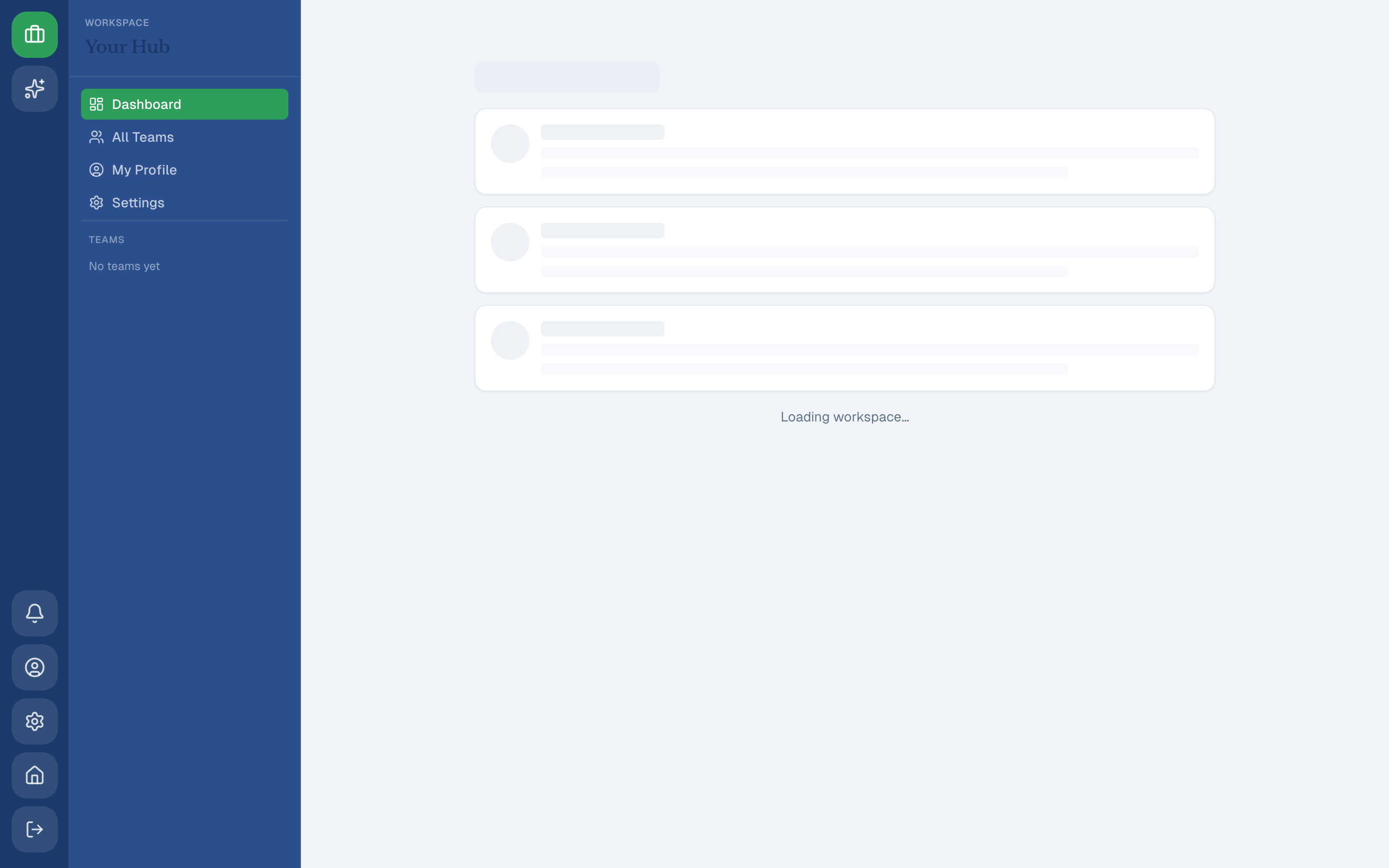
Three-section portal: Site Admin · Workspace · AI Suite
The icon rail now has a dedicated AI Suite section beside Site Admin and Workspace. Fellows see Workspace and AI Suite only; staff also get Site Admin. AI Suite uses a full-width layout (no channel sidebar) so the chat workspace has maximum room.
Legacy URLs /workspace/ai and /admin/ai redirect to /aisuite.
AI Suite — Perplexity, ChatGPT, and Gemini in one place
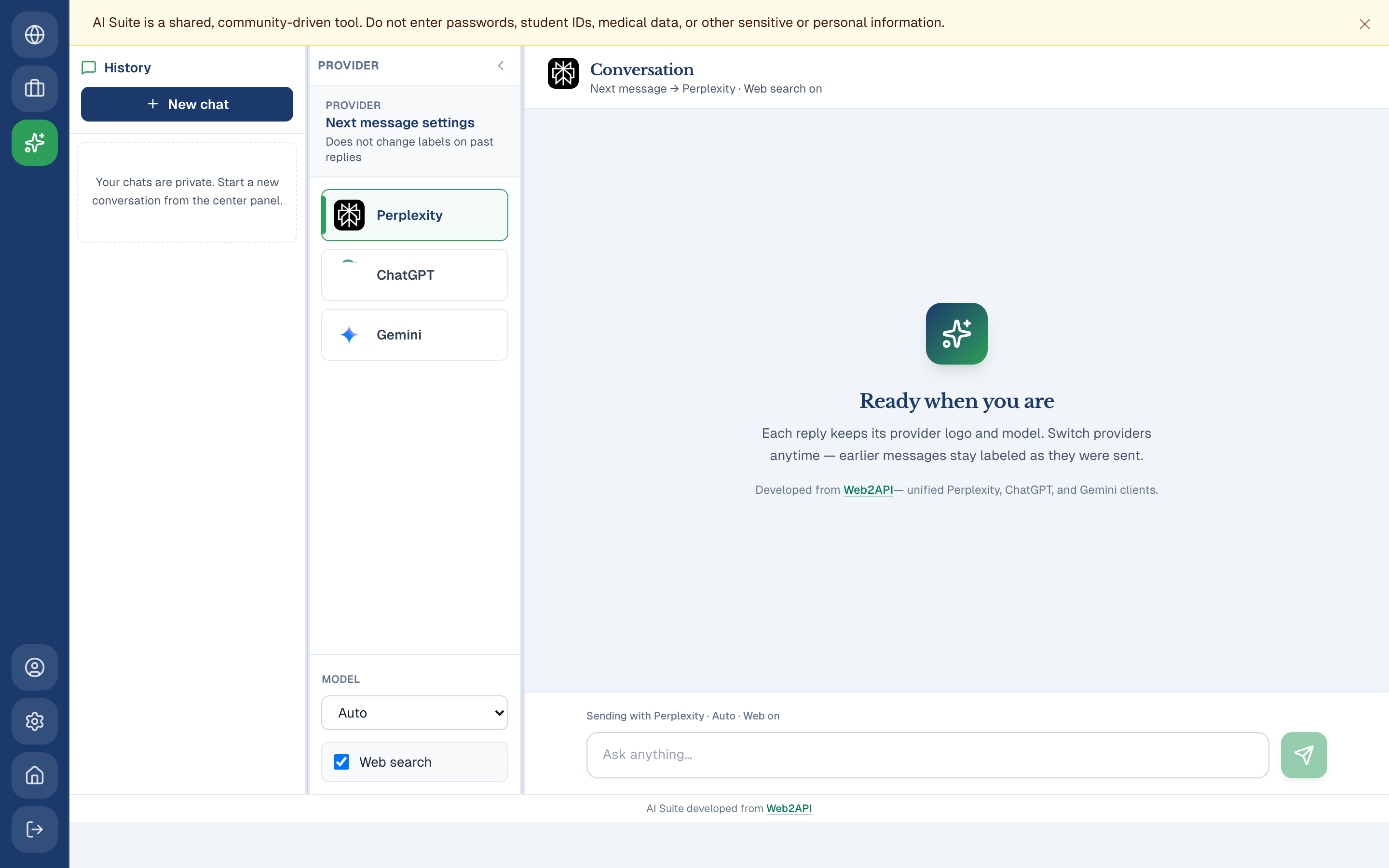
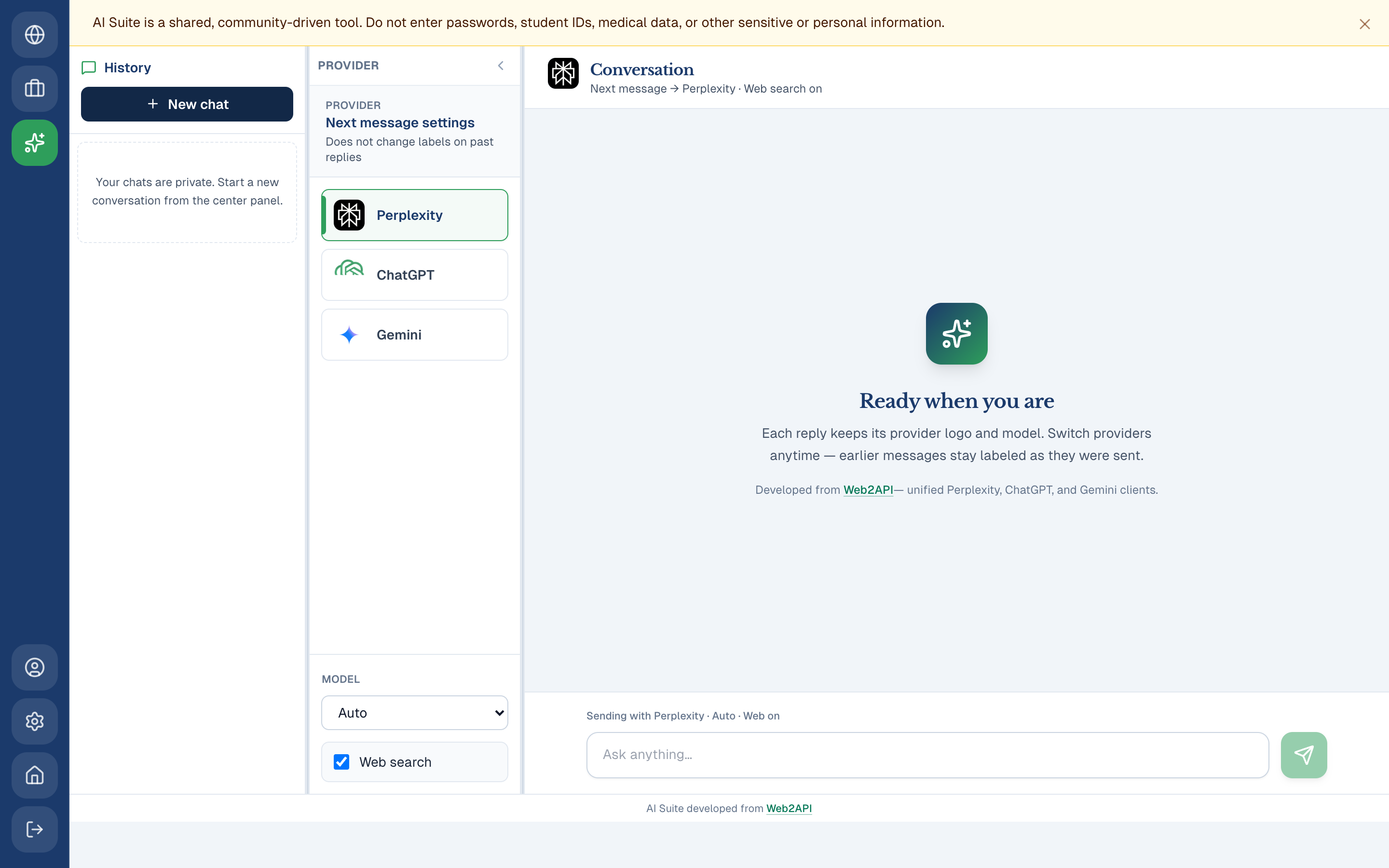
Workspace 2.0 ships a native three-panel AI workspace (not an iframe tab):
| Panel | Role |
|---|---|
| History | Your private chats, stored in PostgreSQL per user |
| Provider & model | Switch Perplexity, ChatGPT, or Gemini; pick models; toggle web search (Gemini) |
| Conversation | Streaming replies with markdown (GFM), resizable panels, and per-message provider labels |
Per-turn attribution — each assistant reply keeps the logo and model it was sent with. Change provider anytime; older messages stay labeled correctly.
Welcome & privacy — a dismissible banner reminds everyone not to paste secrets or personal data. The welcome screen explains per-turn labeling and credits the upstream library.
Built on Web2API — the Python service under aisuite/ is forked from the open-source Web2API project (unified cookie-based clients + REST API). ARI adds platform JWT auth (ari_token), nginx proxy at /ai/, and chat history via the Express API.
Provider logos (Perplexity, ChatGPT, Gemini) appear in the picker, conversation header, and on every message turn.
Team feed moderation
Supervisors, co-supervisors, and post authors can edit feed posts; supervisors and co-supervisors can delete posts. Controls appear inline on each post when you have permission — no separate admin screen.
Fellowship applications analytics
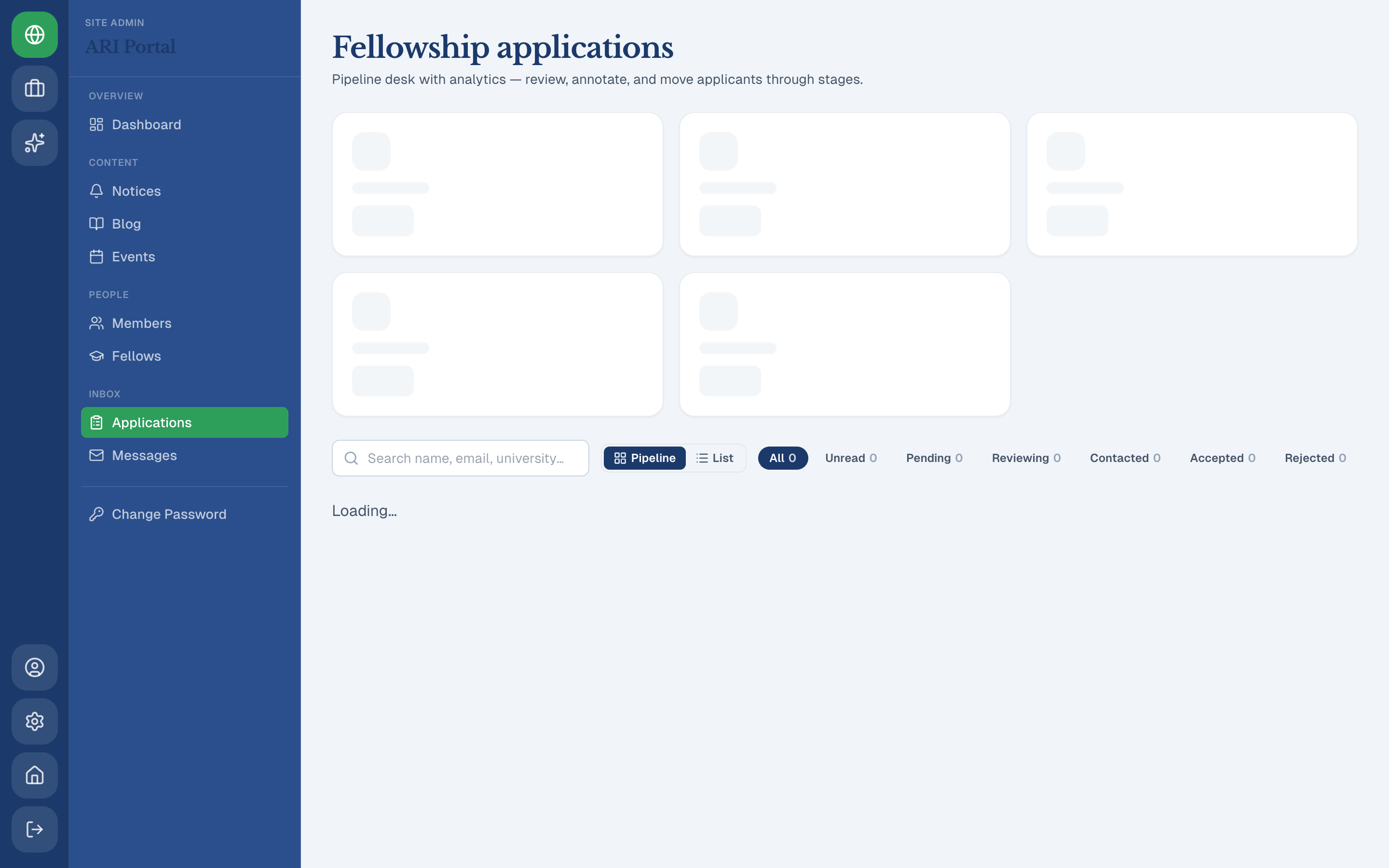
Site Admin → Applications now includes charts for applications by supervisor and university, so intake trends are visible at a glance alongside the existing table and review workflow.
Everything from Workspace 1.0 — still here
Workspace 2.0 is an upgrade, not a replacement:
- URL-based team channels (
# feed,# chat,# members,# settings) - AES-256-GCM encrypted team chat at rest
- Archive, delete, and restore with recycle bin
- Unified profiles, fellow onboarding, and Site Admin content tools
See the Workspace 1.0 announcement for the full 1.0 tour with additional screenshots.
Technical highlights
| Area | Workspace 2.0 detail |
|---|---|
| AI auth | Same ari_token JWT as the rest of the platform; JWT_SECRET shared with the Python service |
| Chat storage | AiSuiteChat in PostgreSQL, scoped by userId |
| Streaming | SSE from /ai/api/chat through nginx |
| UI | react-resizable-panels, react-markdown + GFM, provider PNG logos |
| Deploy | systemd aribd-aisuite on port 8080; documented in docs/AISUITE.md |
Who should use it?
- Research fellows — team feed and chat, plus private multi-model AI chats in AI Suite
- Supervisors / co-supervisors — moderate feed posts, manage teams, use AI Suite for drafting and search
- Site admins — content, applications (with new charts), fellow provisioning, and AI Suite
Get started
- Sign in at aribd.org/login
- Open Workspace for your teams, or AI Suite for AI chat
- Pick a provider and model in the center panel, then ask a question in the conversation panel
- Staff: review Applications for the new charts
Questions? Contact ARI or read more at aribd.org/blogs.
Workspace 2.0 is part of the open-source aribd.org platform. AI provider access uses unofficial web sessions — comply with each provider’s terms and never commit cookie files.